EDI 870 - Order Status Report
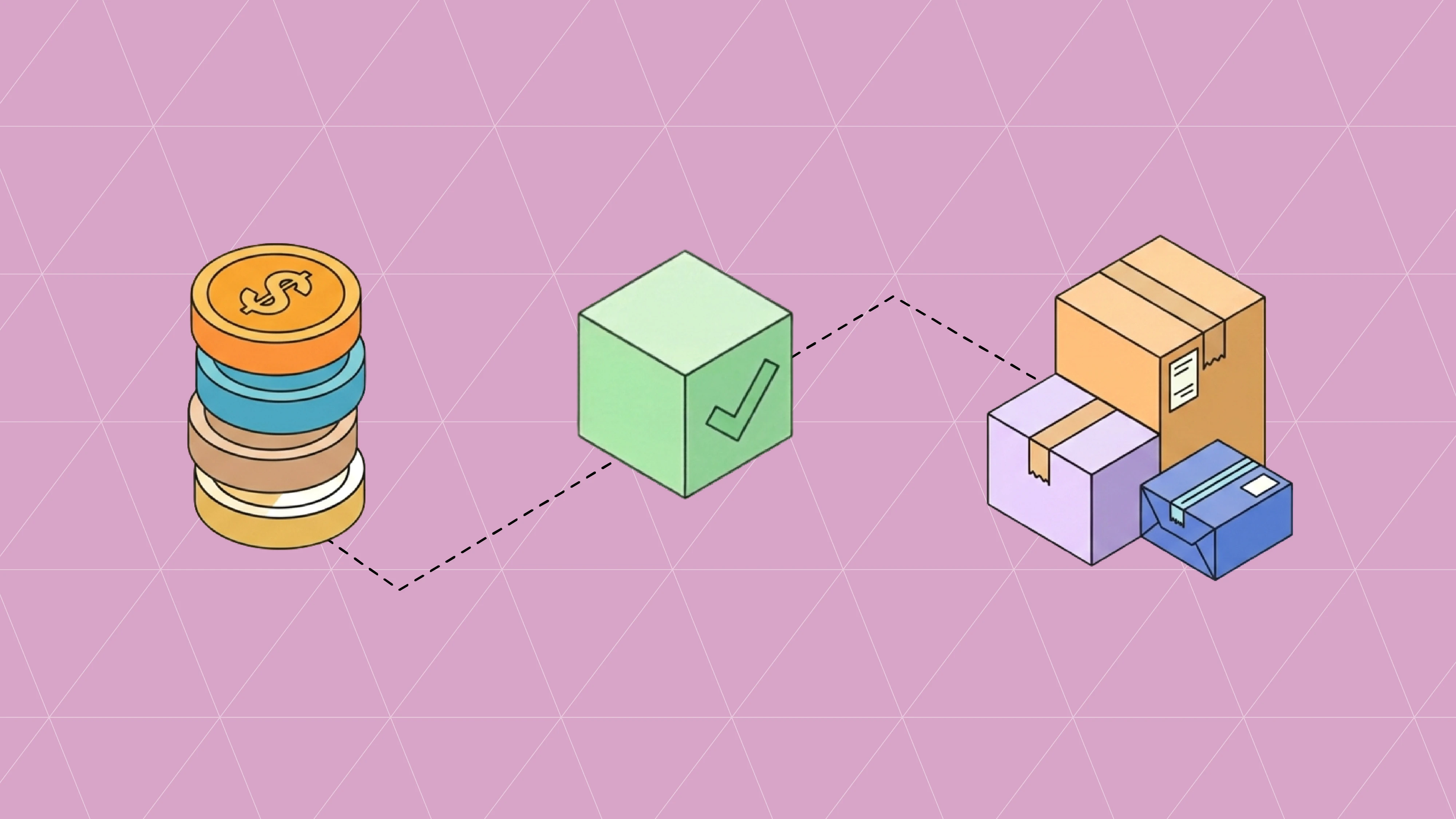
The EDI 870, also known as Order Status Report, is a supplier's response reporting the current status of orders.
The EDI 870, also known as Order Status Report, is a supplier's response reporting the current status of orders.
What is the Purpose of EDI 870 - Order Status Report?
The EDI 870 (Order Status Report) enables sellers to provide buyers with updates on their orders, whether for the complete order, specific line items, or individual products. This document serves as a response to the EDI 869 status inquiry.
What are the important elements of EDI 870 - Order Status Report?
The EDI 870 (Order Status Report) is a standardized electronic document used to respond to order status inquiries. Here are the key elements: 1. Header Information: - Status Report Number - Report Date/Time - Original Order Reference - Transaction Type Code - Status Code - Response Type - Original Inquiry Reference 2. Partner Information: - Responder Information (name, ID, address) - Inquirer Information - Buyer Information - Seller Information - Ship-to Location - Additional Trading Partner IDs 3. Status Details: - Order Numbers - Line Item Numbers - Product Identifiers - Item Descriptions - Quantity Information - Current Status - Status Reason Codes 4. Date Information: - Order Receipt Date - Processing Date - Expected Ship Date - Actual Ship Date - Estimated Delivery Date - Latest Status Date 5. Quantity Information: - Ordered Quantity - Processed Quantity - Shipped Quantity - Backordered Quantity - Cancelled Quantity - Available Quantity 6. Reference Numbers: - Purchase Order Numbers - Sales Order Numbers - Shipping References - Invoice Numbers - Contract Numbers - Authorization Numbers 7. Status Information: - Order Status - Processing Status - Shipping Status - Delivery Status - Payment Status - Hold Status Reasons 8. Additional Elements: - Special Instructions - Exception Information - Delay Reasons - Resolution Details - Follow-up Actions - Next Steps 9. Control Segments: - Transaction Set Control Numbers - Segment Counts - Hash Totals - Control Totals The EDI 870 is crucial for providing detailed order status information and maintaining clear communication between trading partners about order progress.
What are the potential issues with EDI 870 - Order Status Report?
Here are the potential issues that can occur with EDI 870 (Order Status Report) transmissions: 1. Status Information Problems: - Incorrect order status codes - Wrong processing status - Invalid shipping status - Missing delivery status - Wrong payment status - Incorrect hold status - Invalid reason codes 2. Order Detail Issues: - Wrong quantity information - Invalid processed quantities - Missing shipped quantities - Incorrect backordered amounts - Wrong cancelled quantities - Invalid available quantities - Missing order line items 3. Reference Number Problems: - Missing original order numbers - Invalid purchase order references - Wrong sales order numbers - Incorrect shipping references - Missing invoice numbers - Wrong authorization codes - Invalid tracking numbers 4. Date Information Issues: - Wrong order receipt dates - Invalid processing dates - Missing ship dates - Incorrect delivery dates - Wrong estimated arrival dates - Invalid status dates - Missing update timestamps 5. Format and Structure Issues: - Missing mandatory segments - Invalid segment sequence - Wrong element usage - Incorrect qualifiers - Version/release mismatches - Character set problems - Wrong hierarchical structure 6. Exception Information Problems: - Missing exception details - Invalid delay reasons - Wrong resolution information - Incorrect problem codes - Missing action requirements - Wrong follow-up details - Invalid exception status 7. Trading Partner Issues: - Wrong responder information - Invalid inquirer details - Missing trading partner IDs - Incorrect location codes - Wrong contact information - Invalid address details - Missing party qualifiers 8. System Integration Challenges: - Order system incompatibilities - ERP integration problems - Translation errors - Interface failures - Database synchronization - Data transformation errors - Mapping discrepancies 9. Business Rule Violations: - Invalid status parameters - Wrong authorization levels - Missing required fields - Incorrect reporting rules - Invalid response types - Wrong processing requirements - Missing compliance elements These issues can impact order tracking accuracy and customer service effectiveness, requiring careful validation and error handling procedures.
EDI 870 - Order Status Report
The EDI 870, also known as Order Status Report, is a supplier's response reporting the current status of orders.
What is the Purpose of EDI 870 - Order Status Report?
The EDI 870 (Order Status Report) enables sellers to provide buyers with updates on their orders, whether for the complete order, specific line items, or individual products. This document serves as a response to the EDI 869 status inquiry.
What are the important elements of EDI 870 - Order Status Report?
The EDI 870 (Order Status Report) is a standardized electronic document used to respond to order status inquiries. Here are the key elements: 1. Header Information: - Status Report Number - Report Date/Time - Original Order Reference - Transaction Type Code - Status Code - Response Type - Original Inquiry Reference 2. Partner Information: - Responder Information (name, ID, address) - Inquirer Information - Buyer Information - Seller Information - Ship-to Location - Additional Trading Partner IDs 3. Status Details: - Order Numbers - Line Item Numbers - Product Identifiers - Item Descriptions - Quantity Information - Current Status - Status Reason Codes 4. Date Information: - Order Receipt Date - Processing Date - Expected Ship Date - Actual Ship Date - Estimated Delivery Date - Latest Status Date 5. Quantity Information: - Ordered Quantity - Processed Quantity - Shipped Quantity - Backordered Quantity - Cancelled Quantity - Available Quantity 6. Reference Numbers: - Purchase Order Numbers - Sales Order Numbers - Shipping References - Invoice Numbers - Contract Numbers - Authorization Numbers 7. Status Information: - Order Status - Processing Status - Shipping Status - Delivery Status - Payment Status - Hold Status Reasons 8. Additional Elements: - Special Instructions - Exception Information - Delay Reasons - Resolution Details - Follow-up Actions - Next Steps 9. Control Segments: - Transaction Set Control Numbers - Segment Counts - Hash Totals - Control Totals The EDI 870 is crucial for providing detailed order status information and maintaining clear communication between trading partners about order progress.
What are the potential issues with EDI 870 - Order Status Report?
Here are the potential issues that can occur with EDI 870 (Order Status Report) transmissions: 1. Status Information Problems: - Incorrect order status codes - Wrong processing status - Invalid shipping status - Missing delivery status - Wrong payment status - Incorrect hold status - Invalid reason codes 2. Order Detail Issues: - Wrong quantity information - Invalid processed quantities - Missing shipped quantities - Incorrect backordered amounts - Wrong cancelled quantities - Invalid available quantities - Missing order line items 3. Reference Number Problems: - Missing original order numbers - Invalid purchase order references - Wrong sales order numbers - Incorrect shipping references - Missing invoice numbers - Wrong authorization codes - Invalid tracking numbers 4. Date Information Issues: - Wrong order receipt dates - Invalid processing dates - Missing ship dates - Incorrect delivery dates - Wrong estimated arrival dates - Invalid status dates - Missing update timestamps 5. Format and Structure Issues: - Missing mandatory segments - Invalid segment sequence - Wrong element usage - Incorrect qualifiers - Version/release mismatches - Character set problems - Wrong hierarchical structure 6. Exception Information Problems: - Missing exception details - Invalid delay reasons - Wrong resolution information - Incorrect problem codes - Missing action requirements - Wrong follow-up details - Invalid exception status 7. Trading Partner Issues: - Wrong responder information - Invalid inquirer details - Missing trading partner IDs - Incorrect location codes - Wrong contact information - Invalid address details - Missing party qualifiers 8. System Integration Challenges: - Order system incompatibilities - ERP integration problems - Translation errors - Interface failures - Database synchronization - Data transformation errors - Mapping discrepancies 9. Business Rule Violations: - Invalid status parameters - Wrong authorization levels - Missing required fields - Incorrect reporting rules - Invalid response types - Wrong processing requirements - Missing compliance elements These issues can impact order tracking accuracy and customer service effectiveness, requiring careful validation and error handling procedures.
Curious about other types?
Search transaction type
More articles
Our platform is designed to empower businesses of all sizes to work smarter and achieve their goals with confidence.
Oct 27, 2026
A 997 confirms an EDI file parsed cleanly. The order answer comes in the 855. See what the MDN, 997, 999 and 855 each confirm, plus a go-live checklist.

Oct 27, 2026
Tips and best practices for building a reliable and efficient task management process.
Oct 23, 2026
What EDI 824 Application Advice and 864 Text Message rejections mean, how to read them, and how to fix the invoice, ASN, and PO errors behind them.

Oct 23, 2026
Tips and best practices for building a reliable and efficient task management process.
Oct 21, 2026
How the EDI 832 Price/Sales Catalog works, segment by segment, plus the item data errors that cause rejections and chargebacks across retailers and distributors.
Oct 21, 2026
Tips and best practices for building a reliable and efficient task management process.
Oct 27, 2026
A 997 confirms an EDI file parsed cleanly. The order answer comes in the 855. See what the MDN, 997, 999 and 855 each confirm, plus a go-live checklist.
Oct 23, 2026
What EDI 824 Application Advice and 864 Text Message rejections mean, how to read them, and how to fix the invoice, ASN, and PO errors behind them.
Oct 21, 2026
How the EDI 832 Price/Sales Catalog works, segment by segment, plus the item data errors that cause rejections and chargebacks across retailers and distributors.
Oct 19, 2026
How the EDI 845, 844, and 849 work together for distributor contract pricing and chargebacks, with a worked dollar example and the errors that cause denied claims.