EDIFACT HANMOV - Cargo Handling
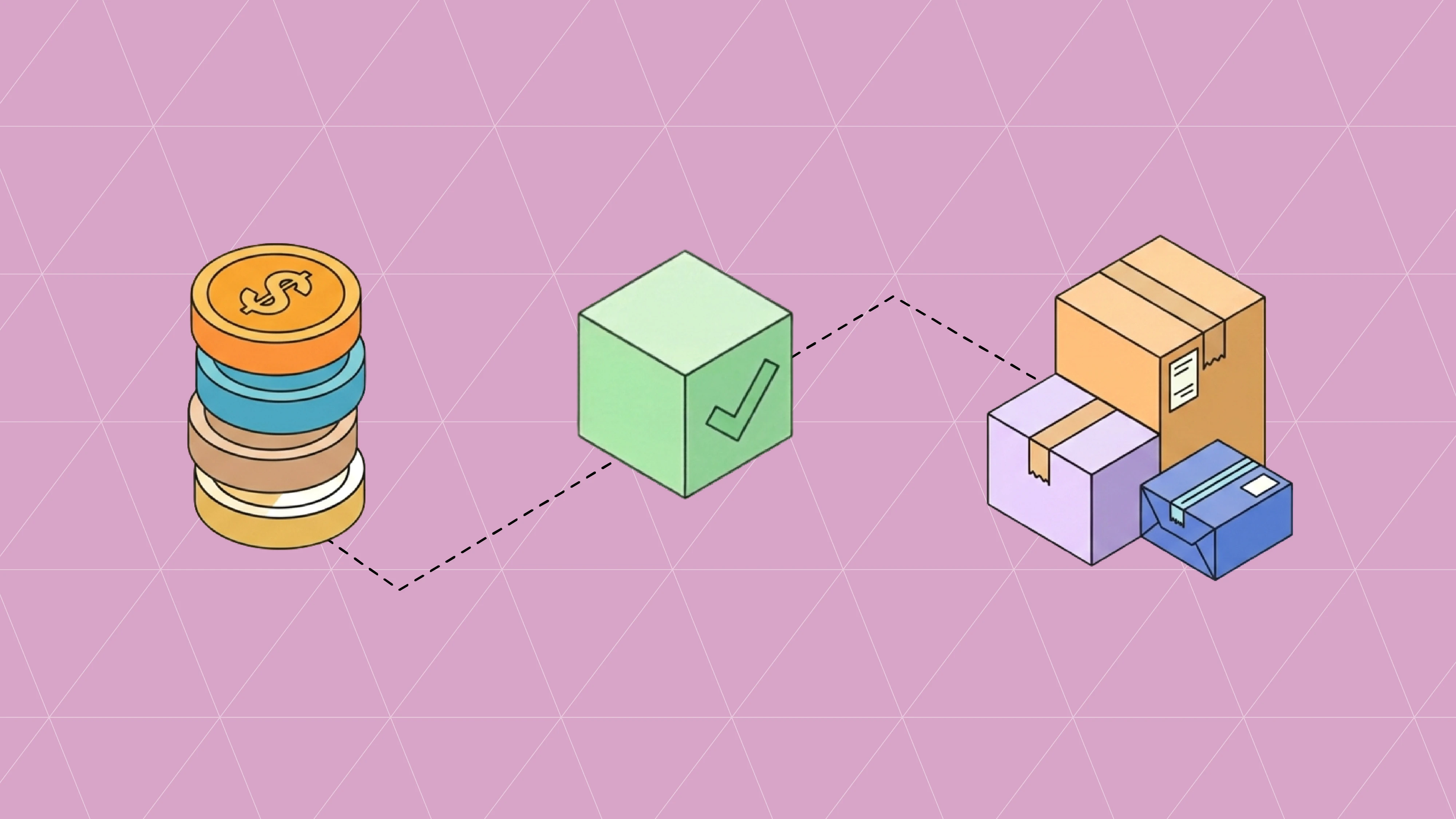
The HANMOV, also known as Cargo Handling, is a message providing instructions and reporting for the movement and handling of cargo within warehouses or terminals.
The HANMOV, also known as Cargo Handling, is a message providing instructions and reporting for the movement and handling of cargo within warehouses or terminals.
What is the Purpose of The EDIFACT HANMOV - Cargo Handling?
The EDIFACT HANMOV communicates cargo and container handling instructions and movements within terminals, warehouses, and distribution facilities. This message coordinates physical movement of goods, equipment positioning, loading/unloading operations, and storage allocation, supporting efficient terminal operations and warehouse management.
What are the important elements of The EDIFACT HANMOV - Cargo Handling?
The EDIFACT HANMOV (Cargo/Goods Handling and Movement) is a standardized message for handling instructions. Here are the key elements: 1. Message Header - Message Type (HANMOV) - Movement Order Number - Order Date/Time - Message Function - Movement Type - Priority Code - Operation Type 2. Party Information - Terminal Operator - Cargo Owner - Warehouse Operator - Carrier Information - Customer Details - Handling Agent - Service Provider 3. Equipment Details - Container Number - Equipment Type - Equipment Size - Seal Numbers - Tare Weight - Maximum Gross Weight - Equipment Condition - Ownership Code 4. Movement Instructions - Movement Type - From Location - To Location - Handling Operation - Loading/Unloading - Storage Instructions - Positioning Requirements 5. Cargo Information - Cargo Description - Weight Information - Volume Data - Package Count - Package Type - Commodity Code - Hazardous Materials - Special Characteristics 6. Location Details - Current Position - Target Position - Storage Area - Yard Location - Bay/Row/Tier - Zone Information - Dock Assignment - Gate Information 7. Timing Requirements - Required Start Time - Expected Completion - Priority Level - Time Windows - Shift Information - Appointment Time - Deadline Information 8. Handling Requirements - Special Instructions - Equipment Needed - Handling Method - Safety Requirements - Temperature Control - Security Level - Inspection Requirements 9. Reference Information - Bill of Lading - Booking Reference - Customer Order - Job Number - Transport Document - Delivery Order - Release Number The EDIFACT HANMOV enables efficient cargo handling coordination and terminal operations management.
What are the potential issues with The EDIFACT HANMOV - Cargo Handling?
Here are potential issues with EDIFACT HANMOV transmissions: 1. Movement Instruction Problems - Unclear movement type - Wrong from/to locations - Invalid handling operations - Missing positioning details - Incorrect priority levels - Wrong operation sequences - Incomplete instructions 2. Equipment Information Issues - Wrong container numbers - Invalid equipment type - Incorrect size specifications - Missing seal numbers - Wrong weight information - Invalid condition codes - Equipment availability errors 3. Location Detail Problems - Wrong current position - Invalid target location - Incorrect storage area - Missing yard coordinates - Wrong zone assignments - Invalid dock numbers - Bay/row/tier errors 4. Cargo Information Issues - Incomplete cargo description - Wrong weight data - Invalid volume information - Incorrect package counts - Missing hazmat details - Wrong commodity codes - Special handling unclear 5. Timing Requirement Problems - Unrealistic time windows - Wrong priority assignments - Missing deadline information - Incorrect shift schedules - Invalid appointment times - Start time conflicts - Completion time issues 6. Handling Requirement Issues - Missing special instructions - Wrong equipment specifications - Invalid handling methods - Unclear safety requirements - Missing temperature needs - Wrong security levels - Inspection details unclear 7. Message Structure Issues - Missing mandatory segments - Incorrect segment sequence - Wrong qualifier usage - Invalid code values - Syntax violations - Character encoding problems - Hierarchical structure errors 8. Reference Information Problems - Wrong bill of lading - Invalid booking references - Incorrect order numbers - Missing job numbers - Wrong transport documents - Invalid release numbers - Reference mismatches 9. System Integration Challenges - TOS integration errors - WMS connectivity issues - Equipment tracking problems - Labor management sync - Billing system integration - Yard management conflicts - Gate system coordination These issues can cause operational delays, equipment misplacement, and handling errors, requiring accurate movement instructions and system coordination.
How do trading partners use the EDIFACT HANMOV?
The actual implementation and required segments may vary based on your trading partner's specifications and UN/EDIFACT version.
EDIFACT HANMOV - Cargo Handling
The HANMOV, also known as Cargo Handling, is a message providing instructions and reporting for the movement and handling of cargo within warehouses or terminals.
What is the Purpose of The EDIFACT HANMOV - Cargo Handling?
The EDIFACT HANMOV communicates cargo and container handling instructions and movements within terminals, warehouses, and distribution facilities. This message coordinates physical movement of goods, equipment positioning, loading/unloading operations, and storage allocation, supporting efficient terminal operations and warehouse management.
What are the important elements of The EDIFACT HANMOV - Cargo Handling?
The EDIFACT HANMOV (Cargo/Goods Handling and Movement) is a standardized message for handling instructions. Here are the key elements: 1. Message Header - Message Type (HANMOV) - Movement Order Number - Order Date/Time - Message Function - Movement Type - Priority Code - Operation Type 2. Party Information - Terminal Operator - Cargo Owner - Warehouse Operator - Carrier Information - Customer Details - Handling Agent - Service Provider 3. Equipment Details - Container Number - Equipment Type - Equipment Size - Seal Numbers - Tare Weight - Maximum Gross Weight - Equipment Condition - Ownership Code 4. Movement Instructions - Movement Type - From Location - To Location - Handling Operation - Loading/Unloading - Storage Instructions - Positioning Requirements 5. Cargo Information - Cargo Description - Weight Information - Volume Data - Package Count - Package Type - Commodity Code - Hazardous Materials - Special Characteristics 6. Location Details - Current Position - Target Position - Storage Area - Yard Location - Bay/Row/Tier - Zone Information - Dock Assignment - Gate Information 7. Timing Requirements - Required Start Time - Expected Completion - Priority Level - Time Windows - Shift Information - Appointment Time - Deadline Information 8. Handling Requirements - Special Instructions - Equipment Needed - Handling Method - Safety Requirements - Temperature Control - Security Level - Inspection Requirements 9. Reference Information - Bill of Lading - Booking Reference - Customer Order - Job Number - Transport Document - Delivery Order - Release Number The EDIFACT HANMOV enables efficient cargo handling coordination and terminal operations management.
What are the potential issues with The EDIFACT HANMOV - Cargo Handling?
Here are potential issues with EDIFACT HANMOV transmissions: 1. Movement Instruction Problems - Unclear movement type - Wrong from/to locations - Invalid handling operations - Missing positioning details - Incorrect priority levels - Wrong operation sequences - Incomplete instructions 2. Equipment Information Issues - Wrong container numbers - Invalid equipment type - Incorrect size specifications - Missing seal numbers - Wrong weight information - Invalid condition codes - Equipment availability errors 3. Location Detail Problems - Wrong current position - Invalid target location - Incorrect storage area - Missing yard coordinates - Wrong zone assignments - Invalid dock numbers - Bay/row/tier errors 4. Cargo Information Issues - Incomplete cargo description - Wrong weight data - Invalid volume information - Incorrect package counts - Missing hazmat details - Wrong commodity codes - Special handling unclear 5. Timing Requirement Problems - Unrealistic time windows - Wrong priority assignments - Missing deadline information - Incorrect shift schedules - Invalid appointment times - Start time conflicts - Completion time issues 6. Handling Requirement Issues - Missing special instructions - Wrong equipment specifications - Invalid handling methods - Unclear safety requirements - Missing temperature needs - Wrong security levels - Inspection details unclear 7. Message Structure Issues - Missing mandatory segments - Incorrect segment sequence - Wrong qualifier usage - Invalid code values - Syntax violations - Character encoding problems - Hierarchical structure errors 8. Reference Information Problems - Wrong bill of lading - Invalid booking references - Incorrect order numbers - Missing job numbers - Wrong transport documents - Invalid release numbers - Reference mismatches 9. System Integration Challenges - TOS integration errors - WMS connectivity issues - Equipment tracking problems - Labor management sync - Billing system integration - Yard management conflicts - Gate system coordination These issues can cause operational delays, equipment misplacement, and handling errors, requiring accurate movement instructions and system coordination.
How do trading partners use the EDIFACT HANMOV?
The actual implementation and required segments may vary based on your trading partner's specifications and UN/EDIFACT version.
Curious about other types?
Search transaction type
More articles
Our platform is designed to empower businesses of all sizes to work smarter and achieve their goals with confidence.
Oct 27, 2026
A 997 confirms an EDI file parsed cleanly. The order answer comes in the 855. See what the MDN, 997, 999 and 855 each confirm, plus a go-live checklist.

Oct 27, 2026
Tips and best practices for building a reliable and efficient task management process.
Oct 23, 2026
What EDI 824 Application Advice and 864 Text Message rejections mean, how to read them, and how to fix the invoice, ASN, and PO errors behind them.

Oct 23, 2026
Tips and best practices for building a reliable and efficient task management process.
Oct 21, 2026
How the EDI 832 Price/Sales Catalog works, segment by segment, plus the item data errors that cause rejections and chargebacks across retailers and distributors.
Oct 21, 2026
Tips and best practices for building a reliable and efficient task management process.
Oct 27, 2026
A 997 confirms an EDI file parsed cleanly. The order answer comes in the 855. See what the MDN, 997, 999 and 855 each confirm, plus a go-live checklist.
Oct 23, 2026
What EDI 824 Application Advice and 864 Text Message rejections mean, how to read them, and how to fix the invoice, ASN, and PO errors behind them.
Oct 21, 2026
How the EDI 832 Price/Sales Catalog works, segment by segment, plus the item data errors that cause rejections and chargebacks across retailers and distributors.
Oct 19, 2026
How the EDI 845, 844, and 849 work together for distributor contract pricing and chargebacks, with a worked dollar example and the errors that cause denied claims.