EDI 824 - Application Advice
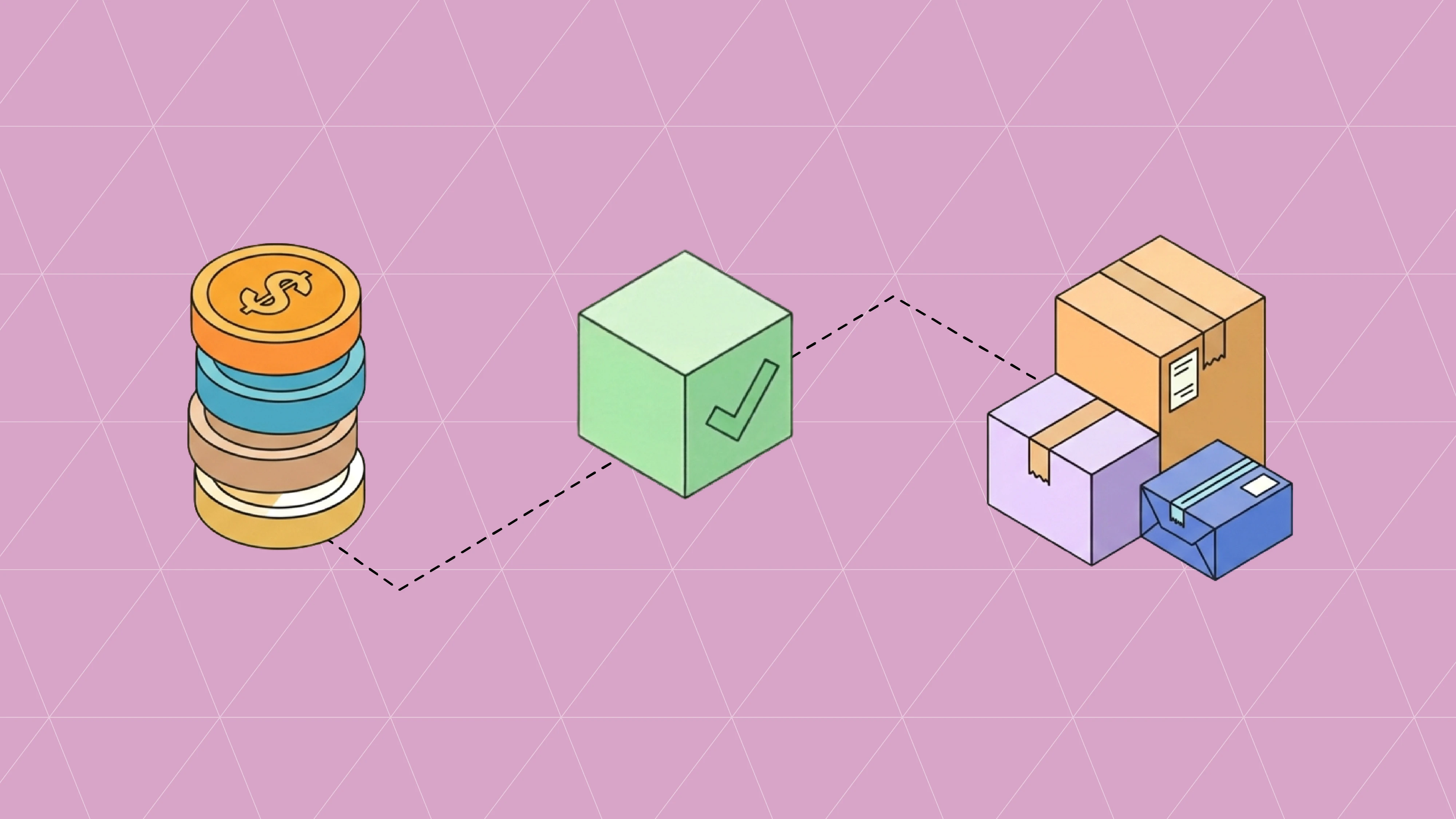
The EDI 824, also known as Application Advice, is a response reporting whether a received transaction was accepted, rejected, or accepted with errors.
The EDI 824, also known as Application Advice, is a response reporting whether a received transaction was accepted, rejected, or accepted with errors.
What is the Purpose of EDI 824 - Application Advice?
The EDI 824 (Application Advice) serves as an acknowledgment message for previously transmitted EDI documents such as invoices, purchase orders, and shipping notices. It notifies senders whether their transaction was successful, contained errors requiring correction, or needs additional processing.
What are the important elements of EDI 824 - Application Advice?
The EDI 824 (Application Advice) is a standardized electronic document used to report the results of an application system's data content edits of a transaction set. Here are the key elements: 1. Header Information: - Reference Number - Date/Time of Advice - Transaction Type Code - Application Status - Functional Group Information - Original Message Reference 2. Status Information: - Transaction Set Response Code - Action Code - Status Details - Error Codes - Acceptance/Rejection Status - Processing Status 3. Original Transaction Details: - Original Document Type - Original Control Numbers - Original Transaction Date - Original Sender - Original Receiver - Referenced EDI Documents 4. Error Details: - Error Location - Error Description - Segment ID in Error - Element Position in Error - Data Element Reference Numbers - Copy of Bad Data 5. Notification Information: - Message Type - Message Description - Severity Level - Impact Assessment - Required Actions - Response Requirements 6. Reference Information: - Transaction Set References - Business Document References - Control Numbers - Batch Numbers - Processing References 7. Response Details: - Response Type Code - Response Description - Correction Requirements - Validation Results - Data Element Status - Version/Release Information 8. Trading Partner Information: - Sender Information - Receiver Information - Additional Party IDs - Contact Information - Processing Party 9. Control Segments: - Transaction Set Control Numbers - Segment Counts - Control Totals - Response Tracking Numbers The EDI 824 is crucial for maintaining data quality and ensuring proper communication between trading partners by providing feedback on transaction processing status and identifying any issues that need resolution.
What are the potential issues with EDI 824 - Application Advice?
Here are the potential issues that can occur with EDI 824 (Application Advice) transmissions: 1. Error Reporting Problems: - Missing error codes - Incorrect error descriptions - Wrong segment references - Invalid element positions - Missing error locations - Incorrect syntax error details - Wrong validation results 2. Reference Document Issues: - Missing original document references - Invalid transaction set references - Wrong functional group references - Incorrect control numbers - Missing interchange references - Wrong batch identifiers - Invalid message references 3. Status Communication Problems: - Unclear acceptance/rejection status - Wrong response codes - Invalid action codes - Missing status details - Incorrect severity levels - Wrong impact assessments - Invalid notification types 4. Format and Structure Issues: - Missing mandatory segments - Invalid segment sequence - Wrong element usage - Incorrect qualifiers - Version/release mismatches - Character set problems - Wrong hierarchical structure 5. Timing and Processing Issues: - Delayed responses - Wrong processing dates - Invalid transmission times - Missing response deadlines - Incorrect sequence handling - Wrong version processing - Invalid timing requirements 6. System Integration Problems: - Translation errors - Interface failures - Database synchronization - Data transformation errors - Mapping discrepancies - Version compatibility issues - System communication failures 7. Trading Partner Issues: - Wrong sender identification - Invalid receiver information - Missing trading partner IDs - Incorrect routing information - Wrong processing rules - Invalid partner qualifiers - Missing contact information 8. Response Detail Problems: - Incomplete error explanations - Missing correction requirements - Wrong resolution instructions - Invalid follow-up actions - Incorrect validation details - Missing implementation notes - Wrong technical details 9. Control and Tracking Issues: - Missing control numbers - Invalid tracking references - Wrong response tracking - Incorrect acknowledgment links - Missing audit trails - Invalid sequence numbers - Wrong correlation data These issues can impact effective communication of application processing status and require robust error handling procedures.
EDI 824 - Application Advice
The EDI 824, also known as Application Advice, is a response reporting whether a received transaction was accepted, rejected, or accepted with errors.
What is the Purpose of EDI 824 - Application Advice?
The EDI 824 (Application Advice) serves as an acknowledgment message for previously transmitted EDI documents such as invoices, purchase orders, and shipping notices. It notifies senders whether their transaction was successful, contained errors requiring correction, or needs additional processing.
What are the important elements of EDI 824 - Application Advice?
The EDI 824 (Application Advice) is a standardized electronic document used to report the results of an application system's data content edits of a transaction set. Here are the key elements: 1. Header Information: - Reference Number - Date/Time of Advice - Transaction Type Code - Application Status - Functional Group Information - Original Message Reference 2. Status Information: - Transaction Set Response Code - Action Code - Status Details - Error Codes - Acceptance/Rejection Status - Processing Status 3. Original Transaction Details: - Original Document Type - Original Control Numbers - Original Transaction Date - Original Sender - Original Receiver - Referenced EDI Documents 4. Error Details: - Error Location - Error Description - Segment ID in Error - Element Position in Error - Data Element Reference Numbers - Copy of Bad Data 5. Notification Information: - Message Type - Message Description - Severity Level - Impact Assessment - Required Actions - Response Requirements 6. Reference Information: - Transaction Set References - Business Document References - Control Numbers - Batch Numbers - Processing References 7. Response Details: - Response Type Code - Response Description - Correction Requirements - Validation Results - Data Element Status - Version/Release Information 8. Trading Partner Information: - Sender Information - Receiver Information - Additional Party IDs - Contact Information - Processing Party 9. Control Segments: - Transaction Set Control Numbers - Segment Counts - Control Totals - Response Tracking Numbers The EDI 824 is crucial for maintaining data quality and ensuring proper communication between trading partners by providing feedback on transaction processing status and identifying any issues that need resolution.
What are the potential issues with EDI 824 - Application Advice?
Here are the potential issues that can occur with EDI 824 (Application Advice) transmissions: 1. Error Reporting Problems: - Missing error codes - Incorrect error descriptions - Wrong segment references - Invalid element positions - Missing error locations - Incorrect syntax error details - Wrong validation results 2. Reference Document Issues: - Missing original document references - Invalid transaction set references - Wrong functional group references - Incorrect control numbers - Missing interchange references - Wrong batch identifiers - Invalid message references 3. Status Communication Problems: - Unclear acceptance/rejection status - Wrong response codes - Invalid action codes - Missing status details - Incorrect severity levels - Wrong impact assessments - Invalid notification types 4. Format and Structure Issues: - Missing mandatory segments - Invalid segment sequence - Wrong element usage - Incorrect qualifiers - Version/release mismatches - Character set problems - Wrong hierarchical structure 5. Timing and Processing Issues: - Delayed responses - Wrong processing dates - Invalid transmission times - Missing response deadlines - Incorrect sequence handling - Wrong version processing - Invalid timing requirements 6. System Integration Problems: - Translation errors - Interface failures - Database synchronization - Data transformation errors - Mapping discrepancies - Version compatibility issues - System communication failures 7. Trading Partner Issues: - Wrong sender identification - Invalid receiver information - Missing trading partner IDs - Incorrect routing information - Wrong processing rules - Invalid partner qualifiers - Missing contact information 8. Response Detail Problems: - Incomplete error explanations - Missing correction requirements - Wrong resolution instructions - Invalid follow-up actions - Incorrect validation details - Missing implementation notes - Wrong technical details 9. Control and Tracking Issues: - Missing control numbers - Invalid tracking references - Wrong response tracking - Incorrect acknowledgment links - Missing audit trails - Invalid sequence numbers - Wrong correlation data These issues can impact effective communication of application processing status and require robust error handling procedures.
Curious about other types?
Search transaction type
More articles
Our platform is designed to empower businesses of all sizes to work smarter and achieve their goals with confidence.
Oct 27, 2026
A 997 confirms an EDI file parsed cleanly. The order answer comes in the 855. See what the MDN, 997, 999 and 855 each confirm, plus a go-live checklist.

Oct 27, 2026
Tips and best practices for building a reliable and efficient task management process.
Oct 23, 2026
What EDI 824 Application Advice and 864 Text Message rejections mean, how to read them, and how to fix the invoice, ASN, and PO errors behind them.

Oct 23, 2026
Tips and best practices for building a reliable and efficient task management process.
Oct 21, 2026
How the EDI 832 Price/Sales Catalog works, segment by segment, plus the item data errors that cause rejections and chargebacks across retailers and distributors.

Oct 21, 2026
Tips and best practices for building a reliable and efficient task management process.
Oct 27, 2026
A 997 confirms an EDI file parsed cleanly. The order answer comes in the 855. See what the MDN, 997, 999 and 855 each confirm, plus a go-live checklist.
Oct 23, 2026
What EDI 824 Application Advice and 864 Text Message rejections mean, how to read them, and how to fix the invoice, ASN, and PO errors behind them.
Oct 21, 2026
How the EDI 832 Price/Sales Catalog works, segment by segment, plus the item data errors that cause rejections and chargebacks across retailers and distributors.
Oct 19, 2026
How the EDI 845, 844, and 849 work together for distributor contract pricing and chargebacks, with a worked dollar example and the errors that cause denied claims.