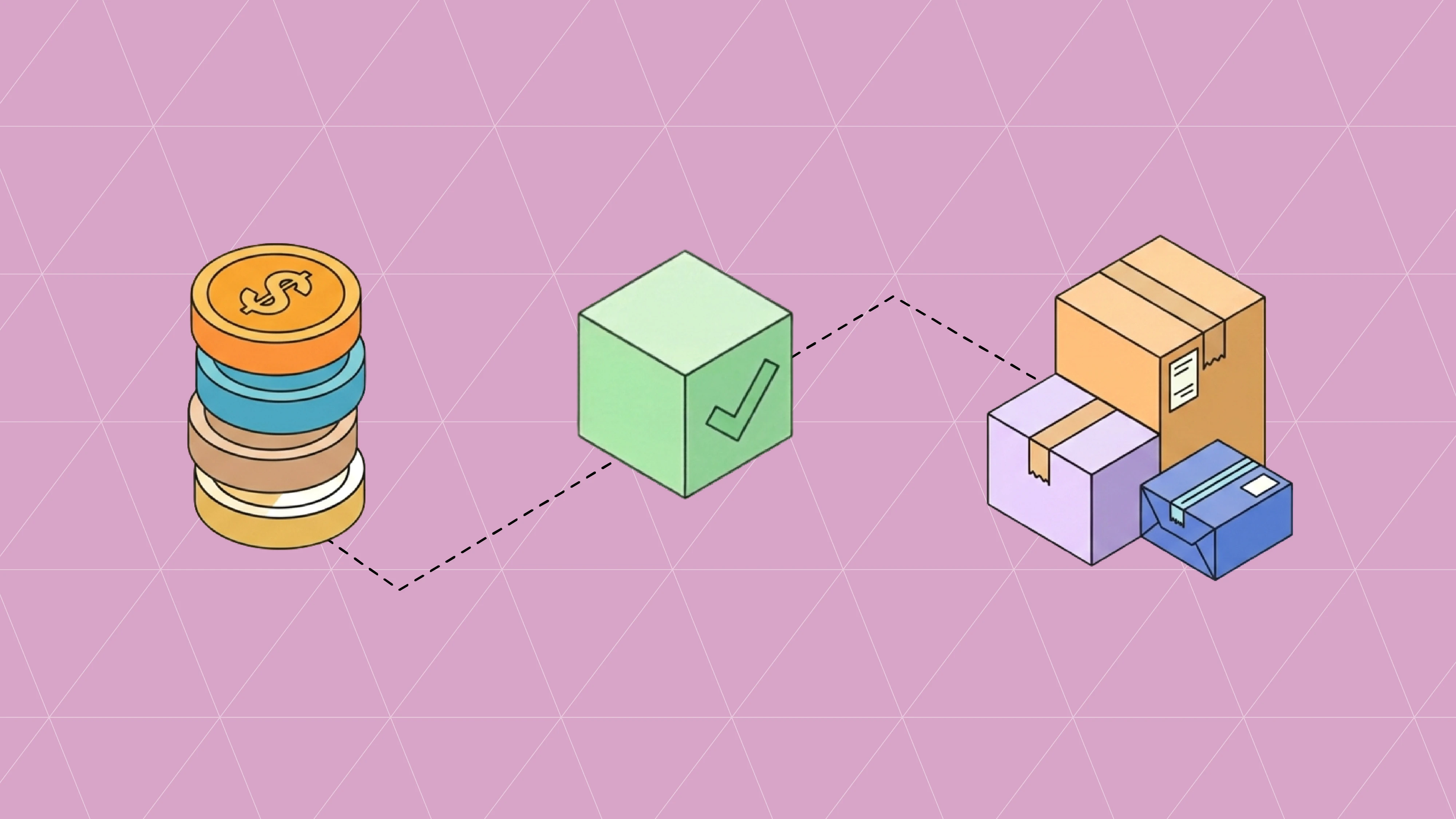
Most chargebacks start before anything ships. A retailer loads a UPC with the wrong pack quantity, the 850 purchase order comes in for cases when you sell eaches, and three weeks later your ASN and invoice don't match what the buyer's system expects. The fix usually leads back to one document: the EDI 832 Price/Sales Catalog.
The 832 is how you tell a trading partner what you sell, how it's packed, and what it costs. When it's right, item setup is boring, which is the goal. When it's wrong, every document downstream inherits the error. This guide walks through what goes in an 832, the mistakes we see most often, and how to keep one clean item record across a growing list of retail and distribution partners.
What is an EDI 832?
The EDI 832 is the X12 transaction set a supplier uses to send product and price information to a buyer. It carries item identifiers, descriptions, pack configuration, cost, and the dates a price takes effect. The buyer loads it into their item master so that purchase orders, receiving, and invoice matching all work from the same data you do.
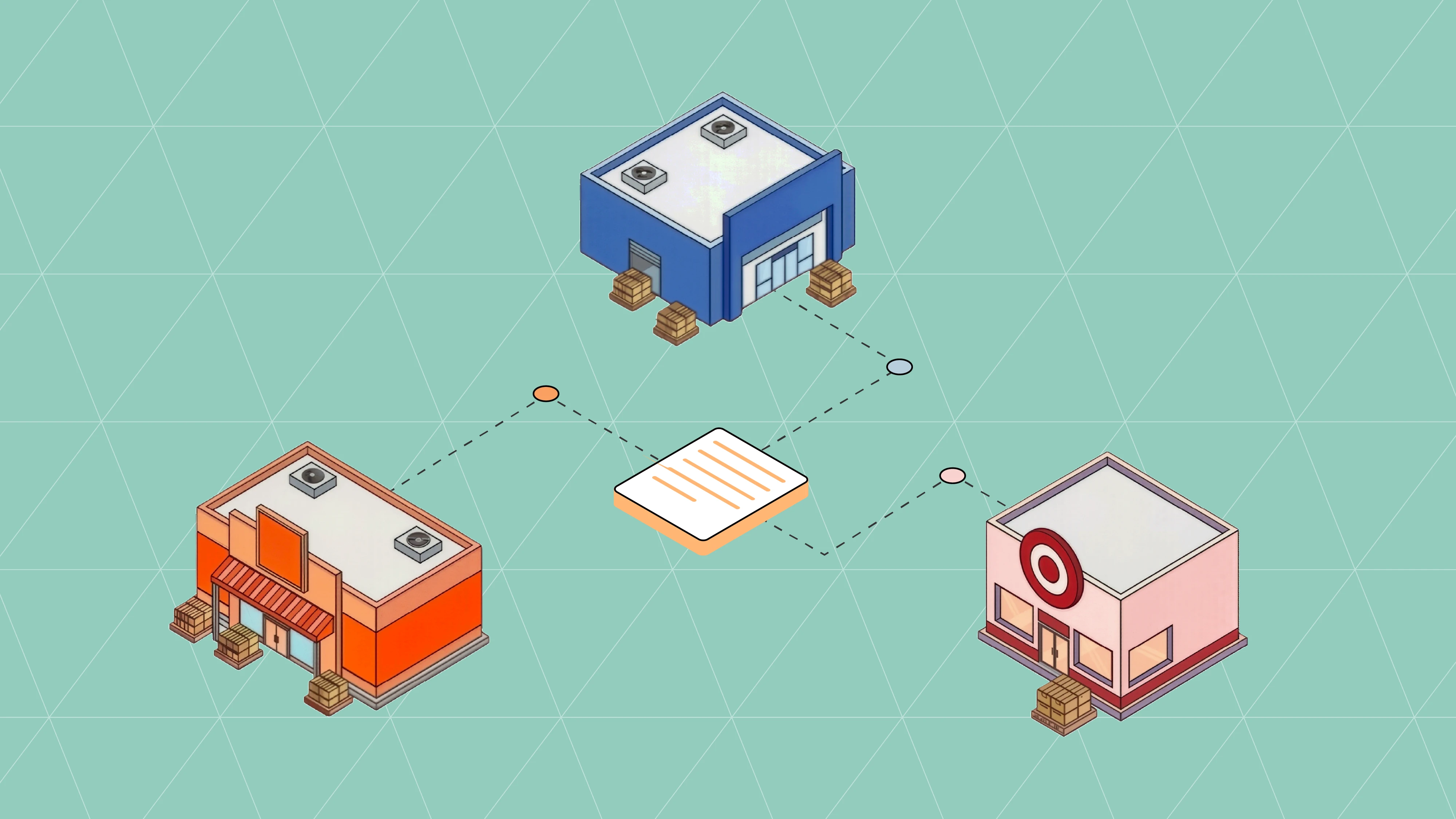
The usual direction is supplier to buyer. Manufacturers and brands send it to retailers, wholesale distributors, and government buyers. The GSA, for example, runs its vendor catalogs on the 832 and has tightened validation on catalog data in recent years. The European equivalent is the EDIFACT PRICAT, and the buyer confirms receipt with a 997 functional acknowledgment.
Partners use the 832 for three kinds of updates:
A full catalog load when you first onboard, so every active item exists in their system before the first PO.
Change files for new items, cost changes, pack changes, and discontinuations.
Price communication with an effective date, so the buyer knows which cost applies to which order.
If you sell into grocery, expect a different set of documents for the same job. Grocers often use the 888 Item Maintenance, 879 Price Information, and 889 Promotion Announcement in place of the 832. Some large retailers skip the 832 altogether and take item setup through a supplier portal or the GS1 data network, so check each partner's guide before you build anything.
EDI 832 format: the segments that matter
An 832 has a header that describes the catalog and a detail loop that repeats once per item. The exact segments and codes vary by partner, but most 832s you build will use these:
Segment | Name | What it carries | What goes wrong |
|---|---|---|---|
ST / SE | Transaction set header and trailer | Start and end of the document, control number, segment count | Segment count off after a manual edit |
BCT | Beginning segment for price/sales catalog | Catalog purpose and catalog number | Purpose code says full catalog when you meant a change file, or the reverse |
DTM | Date/time reference | Catalog date, price effective and expiration dates | Missing effective date, so the buyer applies the new cost to orders already placed |
N1 | Name | Supplier and buyer identifiers | Vendor number or GLN that doesn't match the partner's setup |
LIN | Item identification | UPC or GTIN, vendor item number, buyer item number | Bad check digit, or a UPC reused for a reformulated item |
PID | Product/item description | Item description, color, size, flavor | Descriptions longer than the partner allows get truncated |
PO4 | Item physical details | Pack, inner pack, size, weight, case dimensions | Pack quantity that disagrees with what the warehouse ships |
MEA | Measurements | Dimensions and weights where the partner wants them separately | Units of measure mixed (inches vs centimeters) |
CTP | Pricing information | Cost, price basis, unit of measure, price tiers | Price per case sent where the partner expects price per each |
LDT | Lead time | Lead time for the item | Left out, so replenishment planning uses a default |
PO4 and CTP are where most of the money is. PO4 sets the pack your retailer orders against, and it's the same pack your ASN carton detail and Ti-Hi will be checked against later. CTP sets the cost the buyer will match your 810 invoice to. If you're also working through weight fields, our guide to pack, tare, and net weight covers the math.
Common EDI 832 errors and how they show up later
An 832 error rarely announces itself. The 997 comes back accepted because the file is valid X12, and the problem surfaces weeks later on a different document. These are the ones worth checking first.
Unit of measure mismatches
You price by the case, the buyer's system reads it as each, and the first PO arrives with a cost twelve times too low. Or the reverse. Match the CTP unit of measure to the unit the partner orders in, and confirm it in their implementation guide before your first load.
Pack quantities that drift
Operations changes a case from 12 to 10 units and nobody sends an updated PO4. The retailer keeps ordering 12-packs, your warehouse ships 10-packs, and the ASN no longer matches the PO. That is a short-ship on paper and often a compliance chargeback in practice.
Price changes without effective dates
A cost increase without a clear effective date leaves the buyer to guess which orders it applies to. Usually they apply it to nothing until someone calls. Send the effective date in DTM, give the lead time the partner's terms require, and keep a record of when you sent it. This matters even more when a cost change is driven by tariffs; we cover the invoice side in our 810 tariff charges guide.
Bad or reused UPCs
A wrong check digit fails validation at partners that check it, and a UPC reused for a changed product can merge two items in the buyer's system. GS1 rules on when a change needs a new GTIN are the reference here, and our labeling guide covers barcode basics.
Discontinued items left active
If you stop making an item and never send a discontinuation, the buyer can keep issuing POs for it. You either reject them, which hurts your fill rate, or you substitute without approval, which can earn a chargeback.
When a partner does flag 832 data, the response often arrives as an 824 Application Advice or an 864 Text Message. Our companion guide on reading those rejections explains what each one is telling you.
How the 832 compares to other item and inventory documents
The 832 gets confused with a few documents that sound similar. Each one answers a different question for the buyer.
Document | Direction | Question it answers | When it's sent |
|---|---|---|---|
Supplier to buyer | What do you sell, how is it packed, and what does it cost? | Onboarding, then on changes | |
Supplier to buyer, or both ways | How many units can you ship right now? | Daily or more often | |
Buyer to supplier | How did your items sell and what's on hand in our stores? | Weekly in most programs | |
Supplier to buyer | Grocery version of item setup and changes | On changes | |
Supplier to buyer | Grocery price changes | On changes |
The practical difference between the 832 and the 846 is frequency. Item data changes a few times a year; inventory changes all day. If you want the inventory side in depth, start with our complete guide to the EDI 846 and the 846 playbook for CPG brands.
How to manage 832s across many trading partners
One retailer is manageable by hand. Five or ten partners, each with its own guide, is where item data starts to split into versions. A few habits keep it together.
Keep one item master. Pack, dimensions, weights, UPCs, and base cost should live in your ERP or PIM, and every 832 should be generated from it. If someone edits an 832 directly to satisfy one partner, that change never makes it back to the source.
Handle partner differences in the map. Partner A wants price per each and Partner B wants price per case. Handle that in the map, so both files come from the same item record. This is the same principle behind a good EDI and ERP integration.
Send change files with dates. Treat every pack or cost change as an event with an effective date, and send it to every partner that carries the item.
Check the 832 against what you actually ship. Compare PO4 pack data to warehouse cartonization at least quarterly. Our 3PL data quality guide covers where those two drift apart.
Fill the gaps the 832 can't carry. Partners often want attributes the 832 has no room for, such as images or marketing copy, and ask for a spreadsheet or portal upload alongside it. Track those as part of the same item setup so nothing goes live half complete.
If you run NetSuite or Cin7, our NetSuite EDI integration and Cin7 EDI integration pages show how item records flow out to partners. When you're ready to set up catalogs for a new partner, start integrating and we'll scope the maps with you.
EDI 832 FAQ
What is an EDI 832 used for?
Suppliers use the 832 to send product and pricing details to retailers and distributors: item identifiers, descriptions, pack configuration, cost, and effective dates. The buyer loads it into their item master so orders and invoices match.
Who sends the EDI 832?
The supplier, manufacturer, or brand sends it to the buyer. Some buyers also send an 832 to request a catalog, but supplier to buyer is the common flow.
How often should you send an 832?
Send a full catalog at onboarding, then a change file whenever an item is added, discontinued, repacked, or repriced. Some partners also ask for a periodic full refresh; their implementation guide will say how often.
What is the difference between EDI 832 and EDI 846?
The 832 describes the item and its cost. The 846 reports how many units are available. Item data changes occasionally, inventory changes constantly.
What is the difference between EDI 832 and EDI 888?
Both handle item setup. The 832 is common in general retail, distribution, and government. Grocery partners often use the 888 Item Maintenance along with the 879 and 889 for price and promotion changes.
Is the EDI 832 the same as PRICAT?
They do the same job in different standards. The 832 is ANSI X12, used mostly in North America. PRICAT is the EDIFACT version used in Europe and much of the rest of the world.
What segments are required in an EDI 832?
At minimum you'll send ST, BCT, and SE, plus an item loop with LIN for identification. Most partners also require PID, PO4, and CTP. The partner's guide decides what is mandatory for them.
New to EDI terms? Our EDI glossary and guide to EDI standards cover the basics.
More articles
Our platform is designed to empower businesses of all sizes to work smarter and achieve their goals with confidence.