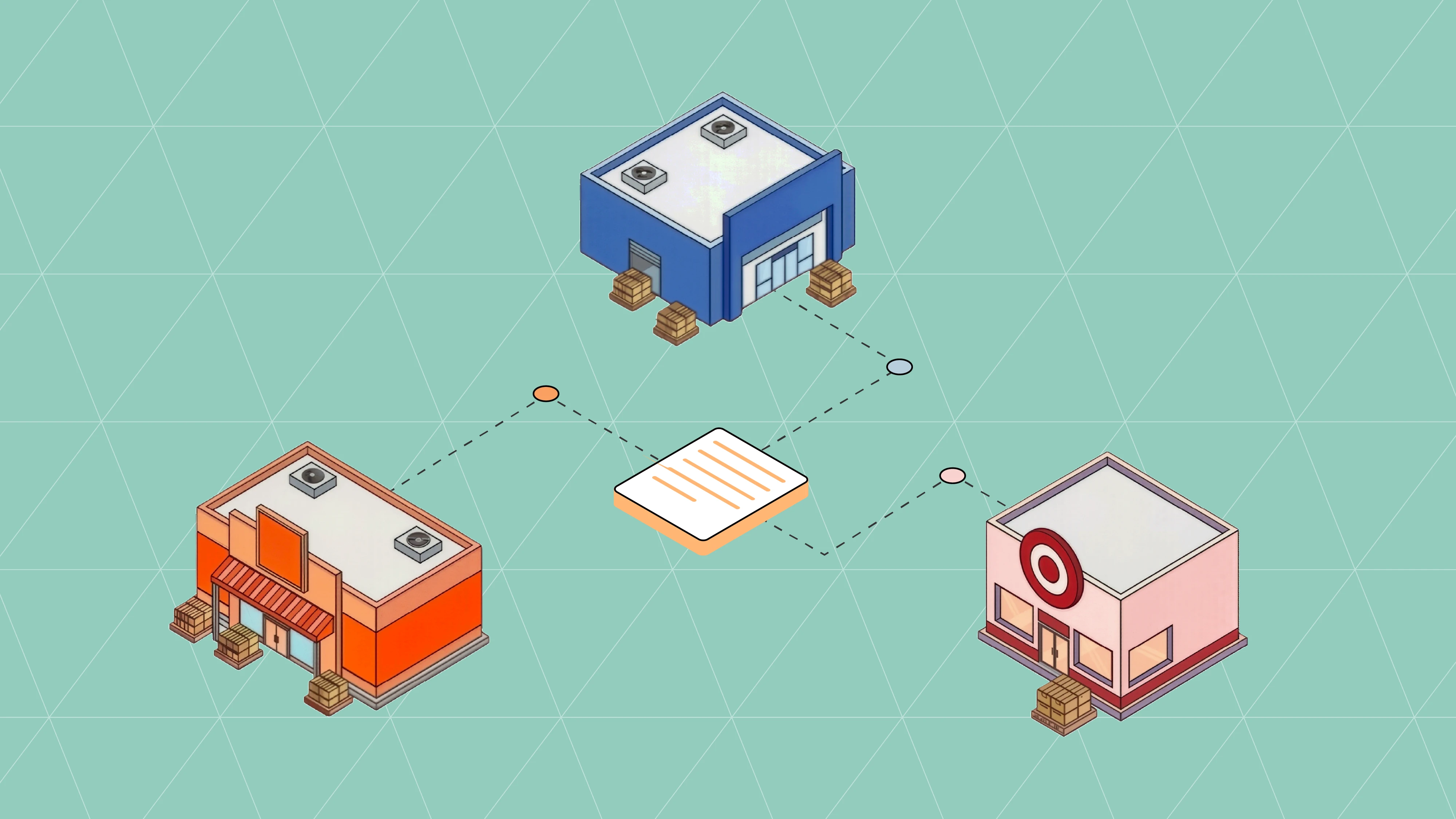
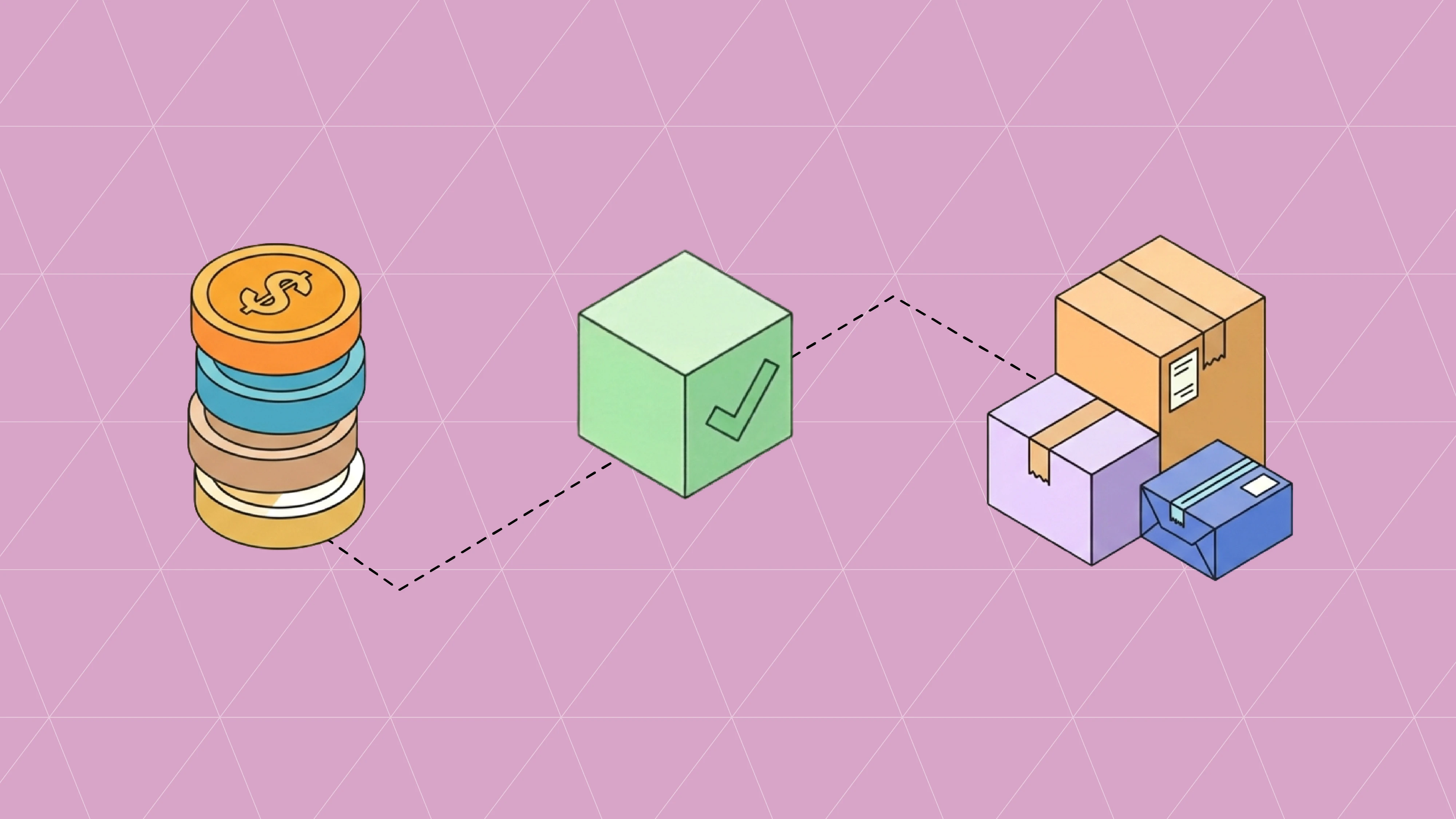
Allocation is the quiet decision that sets your fill rate, your chargeback exposure, and whether the right lot ships to the right retailer. It happens twice in most supply chains: once when your ERP commits stock to an order, and again when your warehouse decides which physical units leave the building. Getting both layers right, and keeping them in sync, is what separates a clean order from an oversell, a short ship, or a compliance penalty.
This guide walks through the allocation methods worth knowing, then draws the line between allocation at the ERP and allocation at the WMS, which is where most brands get tripped up.
What "allocation" actually means
Allocation is the act of reserving inventory against demand so it cannot be promised twice. Two flavors matter.
Soft allocation is a reservation on paper. The system flags a quantity as spoken for and reduces available-to-promise, yet no specific physical unit is chosen. This is what keeps sales from overselling.
Hard allocation is a commitment to specific units: a lot, a pallet, a license plate (LPN), a bin. Once stock is hard allocated, a picker can be sent straight to it.
Available-to-promise (ATP) sits underneath both. ATP is on-hand plus inbound minus what is already committed, and it is the number your order-entry and EDI order flow should be reading before anyone confirms a purchase order. If you want a refresher on the transaction that reports that stock position to trading partners, see our guide to EDI 846 inventory advice and the 846 document reference.
The allocation methods worth knowing
Most of these are rotation rules; a few are release strategies that decide when and how orders drop to the floor. You will often run more than one at the same time, keyed to product type.
FIFO (First In, First Out)
Oldest receipts ship first. It is the default for goods with consistent shelf life and the simplest way to keep stock rotating. FIFO also keeps physical flow and inventory valuation aligned, which your finance team appreciates.
FEFO (First Expired, First Out)
Nearest expiration ships first, regardless of when it arrived. This is the rule for food, beverage, supplements, cosmetics, and pharma, where a later-received lot can still expire sooner. FEFO is also what lets you honor retailer shelf-life minimums; a mass merchant may demand 90-plus days of remaining life while your own channel accepts 30. If you sell perishables, FEFO is usually non-negotiable, and it needs lot and expiration capture at receiving to work at all.
LIFO (Last In, First Out)
Newest stock ships first. Physically this shows up with gravity racks or stacked storage where the most recent receipt is simply the most accessible. It is uncommon for perishables and carries its own inventory-valuation implications, so treat it as a deliberate choice rather than a default.
HIFO and LOFO (Highest / Lowest In, First Out)
Cost-driven rules that pick by unit cost rather than date. These are valuation and margin tactics more than fulfillment tactics, and they show up in accounting-led environments. Most operations do not run them on the floor.
Location and quantity sequencing
Instead of dates, allocate by pick path or by quantity. Location-sequence allocation sends pickers along an efficient route. Quantity-ascending (often called pick-to-clean) empties partial locations first to free up space; quantity-descending grabs the largest units to minimize picks. These usually run as a secondary rule that breaks ties when two lots share the same expiration or receipt date.
Discrete, batch, zone, and wave release
These decide how orders reach the floor once stock is allocated. Discrete picks one order at a time. Batch groups similar orders so a picker touches a SKU once for several orders. Zone assigns workers to areas and hands off between them. Wave schedules releases around carrier cutoffs, order priority, or volume, so labor and trailers line up. Retail routing rules and pickup windows often drive the wave; our EDI shipping workflow guide shows how those timing signals arrive.
Backorder vs partial-ship allocation
When ATP cannot cover a line, the rule you set decides the outcome: hold the whole order until stock arrives, ship what is available now and backorder the rest, or reject the line. Retailers have strong opinions here, and the wrong default is a fast route to fill-rate penalties. Track the result with an order fill rate calculator and watch how it feeds your perfect order percentage.
Allocation at the ERP vs allocation at the WMS
This is where the two layers do genuinely different jobs, and where sync problems cause the visible damage.
Your ERP allocates for commitment and accounting. When an order lands, the ERP reserves quantity against it, reduces available-to-promise, and prevents the same units from being sold twice. It reasons at the level of item, quantity, and sometimes location, and it produces a financial view of inventory: what is on hand, what is committed, what a shipment is worth when it invoices. The ERP does not need to know which bin a picker walks to. What it needs is an accurate committed number so sales, procurement, and finance are working from the same truth. For how that commitment layer connects to trading partners, see ERP and EDI integration and the EDI-into-ERP readiness guide.
Your WMS allocates for execution. It takes the committed order and decides which specific lot, pallet, LPN, and bin will satisfy it, applying FEFO or FIFO, honoring shelf-life rules, sequencing the pick path, and grouping the work into waves. The WMS reasons in real time against physical reality: what is actually on the shelf, where it sits, and how to move it with the fewest touches and the least risk of a short. This is the depth an ERP warehouse module usually cannot reach, which is why high-volume and perishable operations add a dedicated WMS or lean on a 3PL.
The clean division of labor: the ERP says what is promised and what it is worth; the WMS says which units satisfy it and how they move. Trouble starts when the two drift, because then sales quotes against stock the warehouse has already picked, or finance invoices a shipment the floor never confirmed.
Where EDI carries the handoff
For brands that fulfill through a 3PL or a separate warehouse system, EDI is the wire between the ERP's commitment and the WMS's execution:
The ERP issues an EDI 940 warehouse shipping order (940 reference), instructing the warehouse to fulfill.
The WMS does the physical allocation and pick, then returns an EDI 945 warehouse shipping advice (945 reference) confirming what actually shipped, in which lots and quantities.
Stock movements between facilities ride the EDI 943 and 944 pair.
The reconciled inventory position flows back to retailers on the EDI 846.
On the retailer-facing side, the same commitment travels through the 850 purchase order, the 855 acknowledgment, and the 856 ASN. If any of those carry a quantity the warehouse cannot honor, the mismatch surfaces as a chargeback rather than a warning.
Choosing an allocation approach
A few practical calls:
Perishable or lot-controlled goods: FEFO at the WMS, with shelf-life rules per channel. Capture expiration at receiving or the rule cannot run.
Consistent shelf life: FIFO keeps rotation and valuation aligned with minimal overhead.
Space-constrained facilities: add quantity-ascending as a tie-breaker to clear partial locations.
Retail with tight routing windows: wave release driven by carrier cutoffs, so allocation and freight line up.
Running lean: pair tight ATP discipline with a clear backorder-versus-partial rule, since thin buffers punish a bad default. Our lean inventory guide covers the trade-offs.
Whatever you pick, the number that tells you it is working is inventory accuracy; measure it with the inventory accuracy calculator and watch it against your fill rate over time.
Frequently asked questions
What is the difference between allocation and reservation?
A reservation flags quantity as spoken for; allocation commits it. Soft allocation reserves a quantity without choosing units, while hard allocation commits specific lots or bins that a picker can be sent to.
Does the ERP or the WMS decide which lot ships?
The WMS. The ERP commits the quantity and its value; the WMS applies FEFO or FIFO and selects the physical lot, pallet, and bin. In an ERP-only setup, the ERP's warehouse module makes a simpler version of that call.
Can you run FIFO and FEFO in the same warehouse?
Yes. Allocation rules are typically configurable per product, so many operations run FEFO for perishables and FIFO for stable goods at the same time, with a quantity or location rule breaking ties.
What happens when there is not enough stock to allocate?
Your backorder rule decides: hold the full order, ship available and backorder the rest, or reject the line. Retailer expectations should drive the default, since the wrong one drives fill-rate penalties.
How does EDI fit into allocation?
When fulfillment sits in a separate WMS or 3PL, EDI carries the ERP's commitment to the warehouse on the 940 and returns the WMS's physical result on the 945, then reconciles the inventory position to retailers on the 846.
Do I need a WMS, or is my ERP enough?
If order volume is modest and stock is not lot-sensitive, an ERP warehouse module often covers it. High volume, expiration control, or complex pick paths are the signals to add a dedicated WMS or a 3PL.
———————————————
Ready to connect your ERP and warehouse so allocation stays in sync across every retailer? See how Surpass handles EDI integration for NetSuite and Cin7, or start integrating.
More articles
Our platform is designed to empower businesses of all sizes to work smarter and achieve their goals with confidence.