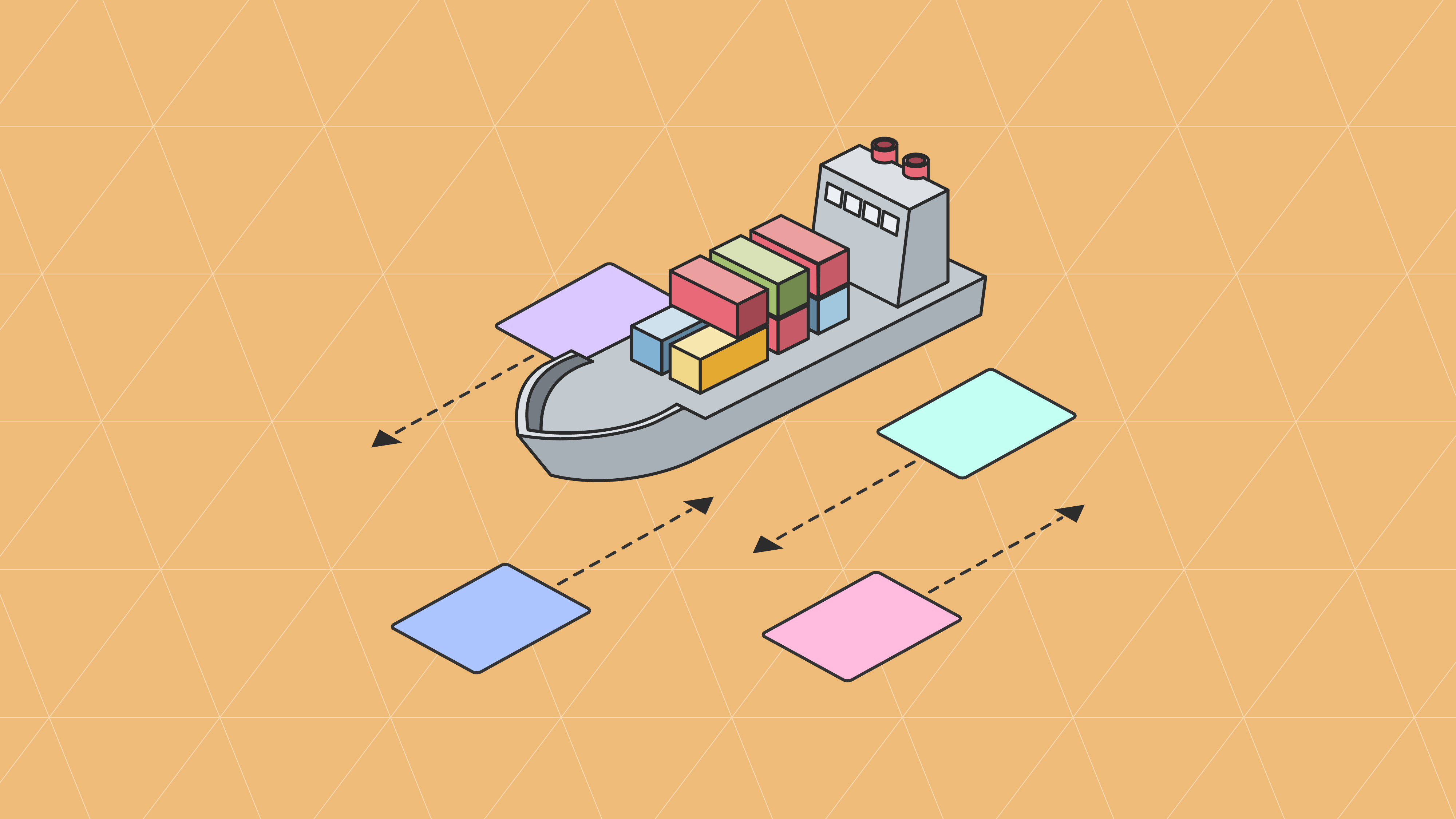
EDI shipping workflows form the backbone of modern freight operations, connecting shippers, carriers, and receivers through a structured sequence of electronic transactions. Every shipment that moves through a carrier network, whether it's a less-than-truckload delivery to a regional distribution center or a full truckload crossing the country, depends on these EDI transactions to coordinate pickup, transit, and final delivery.
For suppliers selling into major retailers like Walmart, Target, Costco, and Amazon, understanding how these shipping EDI documents work together is critical. Missed transactions or data errors in your freight workflow lead directly to carrier disputes, delivery delays, and retailer chargebacks. This guide walks through the six core EDI transactions in a typical shipping cycle and explains how each one connects to the next.
Why Shipping EDI Matters for Suppliers
The physical movement of goods between a supplier's warehouse and a retailer's distribution center involves far more coordination than most people realize. Before a truck arrives at your dock, before a driver signs for your freight, and long before that shipment reaches its destination, a series of electronic messages must pass between your systems and your carrier's systems.
These messages serve distinct purposes. Some initiate the shipment. Others confirm that a carrier has accepted responsibility for the freight. Still others provide real-time location updates while goods are in transit. And at the end of the cycle, the carrier submits a freight invoice that must reconcile against the original shipment terms.
When these transactions are handled manually, through phone calls, faxes, or emailed spreadsheets, errors multiply quickly. A transposed SCAC code on a bill of lading might not get caught until the freight arrives at the wrong terminal. A missed pickup confirmation could leave pallets sitting on your dock for an extra day. EDI solves these problems by creating a structured, automated communication channel between shippers and carriers that operates in near real time.
The Six Transactions in a Shipping EDI Cycle
A standard freight shipment follows a predictable sequence of EDI transactions from the moment a shipper requests a carrier to move freight until the carrier submits its final bill. Each transaction builds on the data from the one before it, creating a continuous chain of documentation that all parties can reference.
Step 1: The Shipper Sends a Load Tender (EDI 204)
The shipping workflow begins when a shipper, or a third-party logistics provider acting on the shipper's behalf, sends a load tender to a carrier. The EDI 204 Motor Carrier Load Tender contains the essential details the carrier needs to evaluate and plan for the shipment.
A typical load tender includes the origin and destination addresses, requested pickup and delivery dates, commodity descriptions, weight and piece counts, and any special handling requirements such as temperature control or hazmat classification. The document also identifies the shipper and receiver using standardized identifiers, and specifies the equipment type needed for the shipment.
For suppliers working with routing guides from major retailers, the EDI 204 must reflect the carrier assignment and shipping window specified by the retailer. Retailers like Kroger, H-E-B, and Albertsons often dictate which carriers suppliers must use for inbound freight. The load tender captures those routing instructions electronically so there's no ambiguity about who is picking up the freight and when.
Think of the EDI 204 as the starting gun for the entire shipment lifecycle. Until this document transmits successfully, the carrier has no formal instruction to dispatch a truck.
Step 2: The Carrier Responds (EDI 990)
Once the carrier receives the load tender, they respond with an EDI 990 Response to a Load Tender. This transaction communicates whether the carrier accepts, rejects, or proposes changes to the shipment request.
An acceptance means the carrier commits to picking up the freight under the terms specified in the original 204. A rejection signals that the carrier cannot accommodate the shipment, perhaps due to capacity constraints, equipment unavailability, or scheduling conflicts. In some cases, the carrier may counter with modified terms, such as a different pickup window or adjusted pricing.
Speed matters here. Retailers expect suppliers to meet scheduled ship dates, and a delayed carrier response can cascade into a late pickup, a missed delivery appointment, and ultimately a compliance penalty. When the EDI 990 flows automatically between carrier and shipper systems, the turnaround time drops from hours to minutes.
For suppliers managing shipments to retailers with strict must-arrive-by-date (MABD) requirements, such as Dollar General, Five Below, or Burlington, the EDI 990 provides the earliest confirmation that freight is on track. If a carrier rejects the tender, the supplier's transportation team knows immediately and can re-tender to an alternate carrier before the shipping window closes.
Step 3: The Shipper Sends a Bill of Lading (EDI 211)
After the carrier accepts the load tender, the shipper prepares and transmits the bill of lading electronically via the EDI 211. This transaction serves as the formal contract of carriage between the shipper and the carrier.
The electronic bill of lading contains the same information you would find on a paper BOL: shipper and consignee details, freight descriptions with weights and classifications, handling instructions, and reference numbers that tie back to purchase orders and the original load tender. The advantage of transmitting this information electronically is that it arrives in the carrier's system before the truck reaches the shipper's dock, giving the driver and dispatcher advance knowledge of what they're picking up.
For suppliers shipping LTL freight, the EDI 211 is particularly valuable. LTL carriers handle multiple shipments on a single trailer, and having accurate BOL data transmitted electronically before pickup reduces the time drivers spend at each stop verifying paperwork. It also reduces the classification disputes that occur when a carrier's inspection at the dock disagrees with the shipper's declared freight class.
The EDI 211 also establishes the legal framework for liability during transit. Once the carrier picks up the freight and the BOL data is confirmed, the carrier assumes responsibility for the goods until delivery.
Step 4: The Carrier Sends a Trailer Manifest (EDI 212)
After loading the freight, the carrier generates an EDI 212 Trailer Manifest. This transaction provides a comprehensive listing of all shipments loaded on a specific trailer, identified by trailer number and associated trip or route information.
The trailer manifest is especially important for LTL operations where a single trailer carries freight from multiple shippers destined for multiple receivers. The EDI 212 documents exactly which shipments are on which trailer, their sequence in the load plan, and the planned route and stop sequence.
For shippers, receiving the EDI 212 confirms that their freight has been physically loaded and is ready to move. It also provides the trailer identification number, which becomes a key reference point for tracking the shipment through the carrier's network.
Distribution centers operated by retailers like Meijer, BJ's Wholesale Club, and Wegmans use trailer manifest data to plan their receiving dock schedules. Knowing which shipments are on which trailer, and in what order they'll be unloaded, allows receiving teams to allocate dock doors and labor more efficiently.
Step 5: The Carrier Sends Status Updates (EDI 214)
Throughout the transit period, the carrier transmits EDI 214 Transportation Carrier Shipment Status Messages to keep the shipper informed about the freight's progress. These status updates report key milestones such as pickup confirmation, arrival at intermediate terminals, departure from terminals, out-for-delivery notifications, and proof of delivery.
Each EDI 214 message includes a status code that describes the shipment's current state, along with a timestamp and location. The accumulation of these messages creates a complete transit history for the shipment, from the moment the carrier picks up the freight to the moment it's delivered and signed for.
For suppliers, the EDI 214 provides the visibility needed to proactively manage delivery expectations. If a status update shows that freight is delayed at a carrier terminal, the supplier's logistics team can alert the retailer, reschedule the delivery appointment, or arrange expedited transit if the situation requires it. This kind of proactive communication helps suppliers protect their vendor scorecard performance with trading partners like Home Depot, Lowe's, and Costco.
The EDI 214 also supports the documentation requirements for advance shipping notices (EDI 856). Many retailers require ASN data to include carrier tracking information and expected delivery dates. When your EDI 214 status messages feed directly into your ASN generation process, the shipping details in your advance notice stay accurate and current.
Step 6: The Carrier Sends a Freight Invoice (EDI 210)
The shipping cycle concludes when the carrier submits an EDI 210 Motor Carrier Freight Details and Invoice. This transaction itemizes the charges for the transportation service, including line-haul rates, fuel surcharges, accessorial fees, and any other applicable charges.
The EDI 210 references the original load tender and bill of lading, creating a clear audit trail from shipment request through final billing. Automated freight audit systems compare the invoice charges against the contracted rates in the shipper's transportation management system, flagging discrepancies for review before payment.
Common discrepancies include weight-based billing adjustments where the carrier's certified weight differs from the shipper's declared weight, reclassification charges where the carrier inspected the freight and assigned a different NMFC class, and accessorial charges for services like liftgate delivery, inside delivery, or detention time that weren't anticipated in the original tender.
For suppliers, automating the match between the EDI 210 invoice and the original EDI 850 purchase order terms, combined with the contracted carrier rates, reduces the manual effort required in accounts payable. It also shortens the payment cycle, which can improve carrier relationships and, in some cases, qualify for prompt-payment discounts.
How These Transactions Connect to Retail EDI Workflows
The six shipping transactions described above operate alongside the broader retail EDI workflow that suppliers already manage with their trading partners. The connection points between these two workflows are important to understand because errors in one often create problems in the other.
When a retailer sends a purchase order (EDI 850), the supplier confirms it with a purchase order acknowledgment (EDI 855), picks and packs the order, and then initiates the shipping workflow by tendering the load to a carrier via the EDI 204. The carrier's acceptance (EDI 990) triggers the generation of the bill of lading (EDI 211) and the advance shipping notice (EDI 856) that the retailer expects.
Carrier status updates from the EDI 214 feed back into the supplier's systems to update order status and delivery estimates. And when the carrier's freight invoice (EDI 210) arrives, it connects to the supplier's EDI 810 invoice workflow with the retailer, since transportation costs often factor into delivered pricing and deduction management.
Suppliers who use third-party warehouses add another layer to this workflow through warehouse shipping orders (EDI 940) and warehouse shipping advice (EDI 945) transactions. The 3PL receives the 940 instruction to ship, fulfills the order, confirms via the 945, and then the carrier transactions begin.
Common Problems When Shipping EDI Isn't Automated
Organizations that handle these transactions manually, or that only automate some of them, frequently encounter predictable problems.
Carrier rejections that go unnoticed. When a carrier rejects a load tender (EDI 990) and the shipper doesn't see the rejection promptly, the freight sits on the dock. By the time someone follows up, the original shipping window may have passed, and the supplier faces a late shipment penalty from the retailer.
Mismatched BOL and ASN data. If the bill of lading data in the EDI 211 doesn't match the information in the EDI 856 advance shipping notice, the retailer's receiving system flags the shipment as non-compliant. This is one of the most common causes of chargebacks related to ASN accuracy.
Freight invoice disputes. Without automated comparison between the EDI 210 freight invoice and the original load tender rates, overcharges and billing errors go undetected. Over time, these unreconciled differences can represent significant overspending on transportation.
Missing status updates. When EDI 214 messages aren't flowing, the supplier has no visibility into whether freight is on schedule. Customer service teams can't answer retailer inquiries about delivery timing, and no one knows a shipment is late until the retailer reports a missed appointment.
Getting Your Shipping EDI Right
The shipping EDI workflow is a tightly connected chain where each transaction depends on the accuracy of the one before it. Getting these transactions right starts with proper integration between your order management system, your transportation management system, and your EDI platform.
When these systems share data automatically, the load tender pulls its commodity details and shipping instructions directly from the sales order. The bill of lading populates from the same source data, so there's no chance of a mismatch. Status updates from the carrier flow back into your order tracking without anyone having to log into a carrier portal and manually check. And freight invoices automatically reconcile against your rate agreements.
For suppliers working with EDI trading partners across multiple retail channels, the volume of shipping transactions can be substantial. A supplier fulfilling orders for Kohl's, Nordstrom, Dick's Sporting Goods, and Macy's simultaneously might process dozens of load tenders, status messages, and freight invoices every day. At that volume, manual processes simply cannot keep pace.
Automating your shipping EDI transactions alongside your retail EDI documents creates a complete, connected workflow from the moment a purchase order arrives to the moment the freight delivers and the invoice settles. That's where the real operational efficiency lives, and it's where suppliers gain the speed and accuracy that retailers demand.
Ready to connect your shipping and retail EDI workflows into a single automated process? Contact Surpass to discuss how our managed EDI services can bring your transportation transactions into the same integrated environment as your retail trading partner communications.
More articles
Our platform is designed to empower businesses of all sizes to work smarter and achieve their goals with confidence.